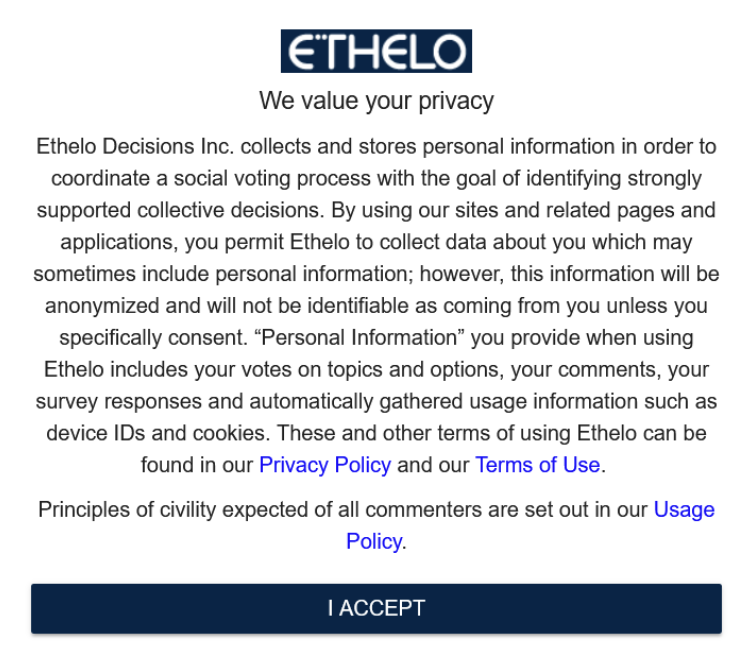
When participants engage in your decision, information may be gathered from your participants. To enhance transparency, you can enable the consent popup on the admin panel.
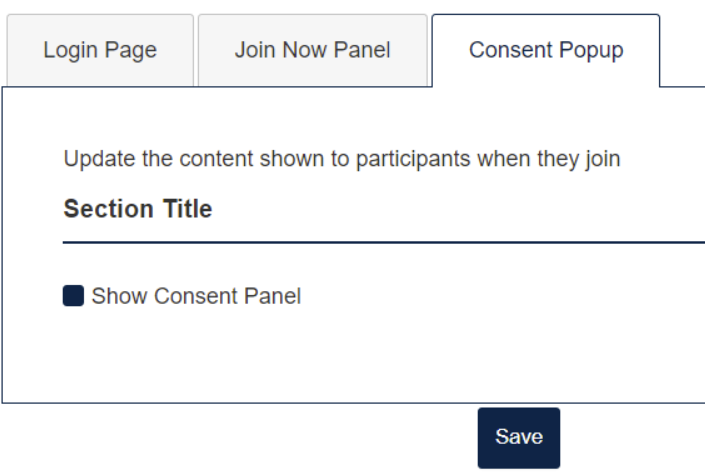
- Navigate to Participation > Registration > Consent Popup tab.
- Enable the feature by clicking the ‘Show Consent Panel’
- Click the ‘Save’ button to save the changes you have made.
This is how the Consent Popup looks on the decision page.