
Login Page
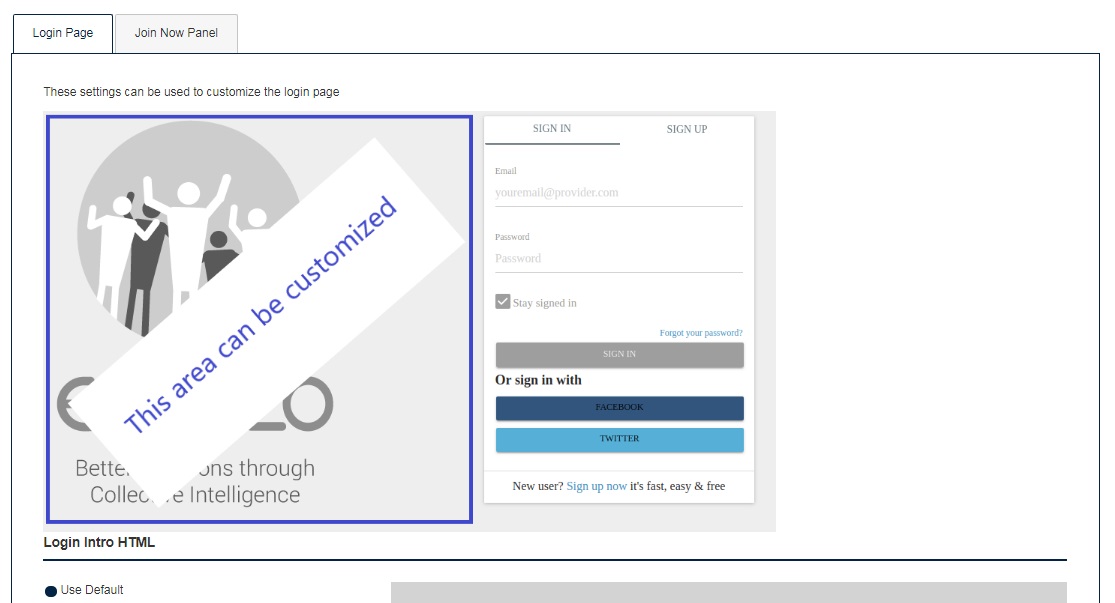
When participants use your decision link to visit your decision (except when the Authentication setting is configured to ‘Guest’ can view the page), they are presented with a registration page that can be customized with branding or additional messaging.
Go to Participation > Registration and it will show the following example of what the page looks like. The area on the left can be customized, or left as the default grey Ethelo image:
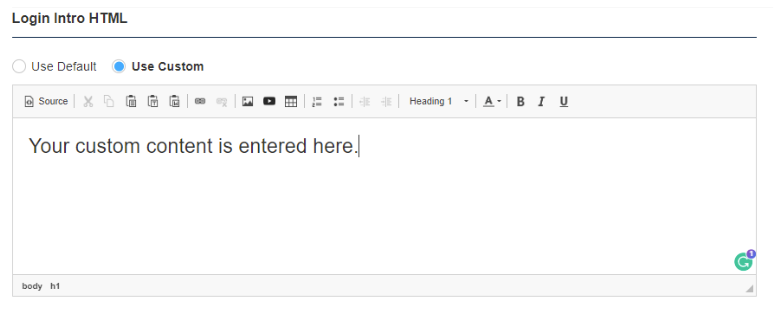
To customize the area, select the ‘Use Custom’ and create a customized messaging that will replace the left portion of the login screen. Text, pictures, and HTML may be used:
Click the ‘Save’ at the end of this page to save your changes.