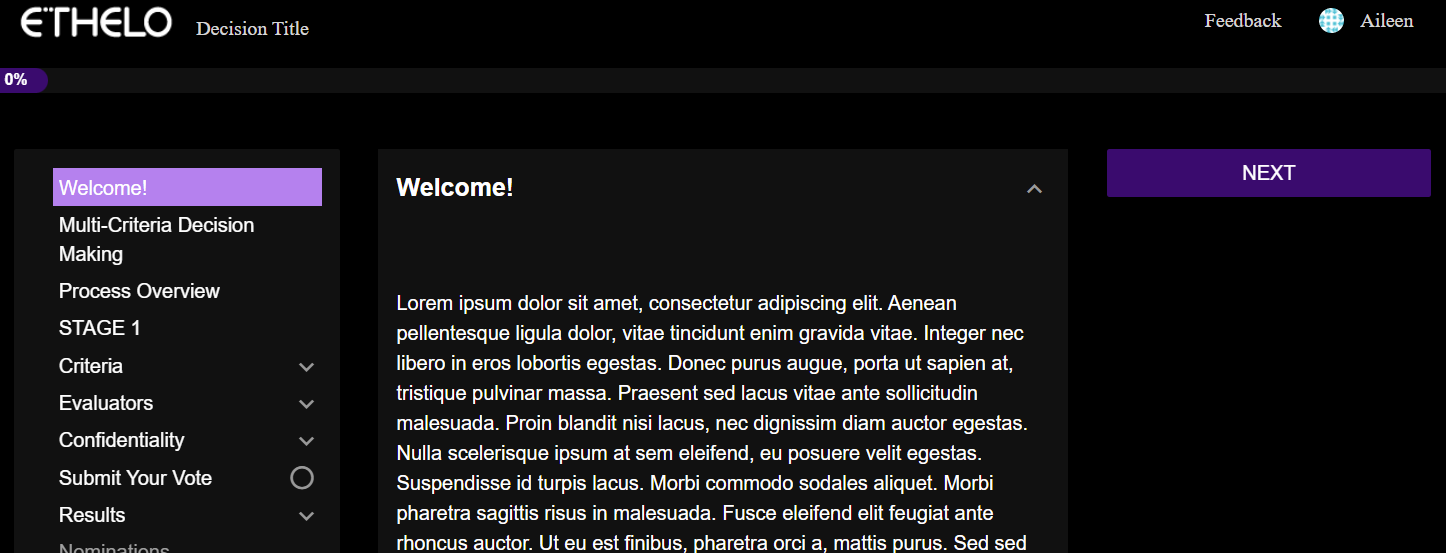
Ethelo allows you to make specific styling changes to your pages by adding custom CSS. CSS is a presentation language created to style (e.g., fonts, colors, spacing) the appearance of the page content.
Navigate to Appearance > Look and Feel > Settings tab > Custom CSS section and add CSS code in the ‘Custom CSS’ area.
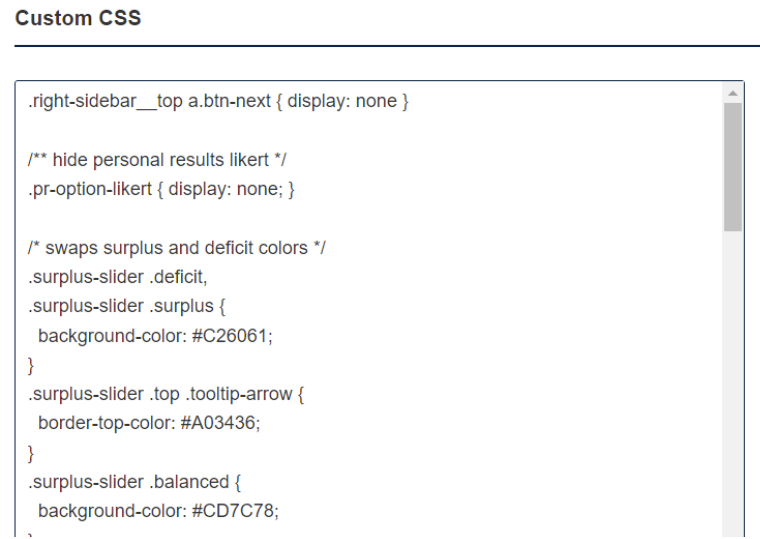
Make sure to click the ‘Save’ button to save your changes.
CSS Code Reference Document
You can consult our Reference Document to find the right CSS Code for your customization and/or change the whole look and feel of your decision by using our Discord Style theme.
Discord Theme