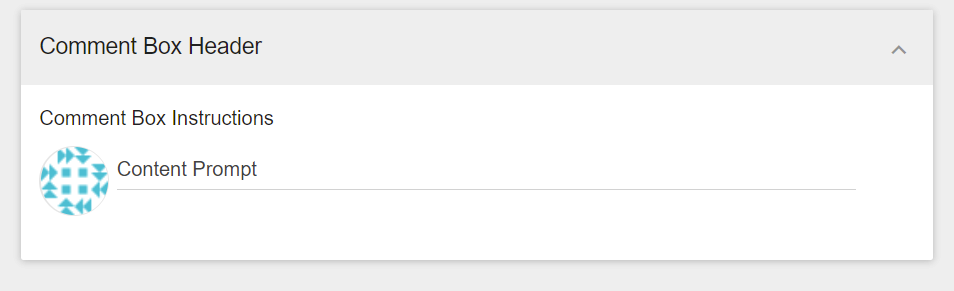
Comment boxes can appear in different sections on the decision page. These include leaving comments directly on Options, Topics, Criteria, or on "other pages" like the Results Page.
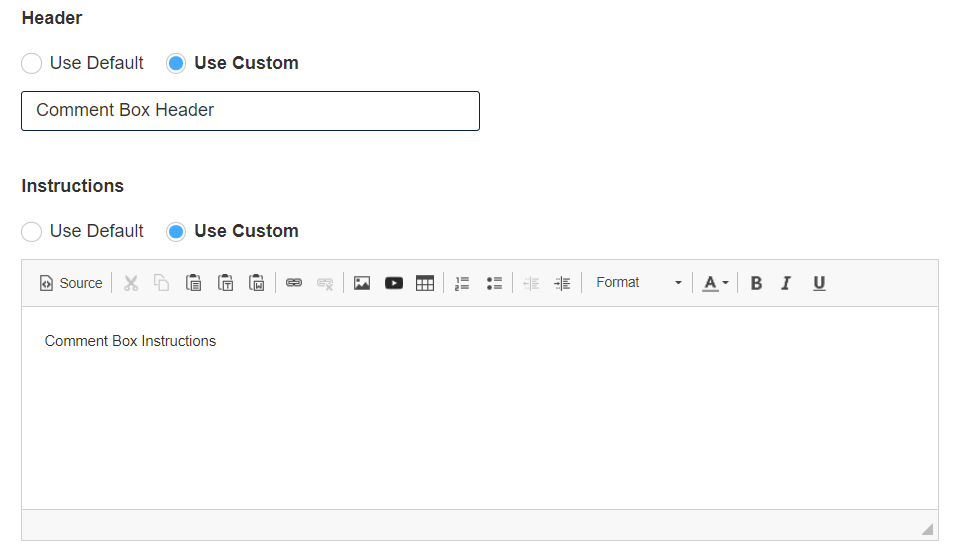
A decision administrator can use the default settings or customize the text in each comment box. To do this navigate to Commenting > Settings > Custom Content tab, select the ‘Use Custom’ radio button and type the text you want to display.
On the Admin panel:
On the project page: