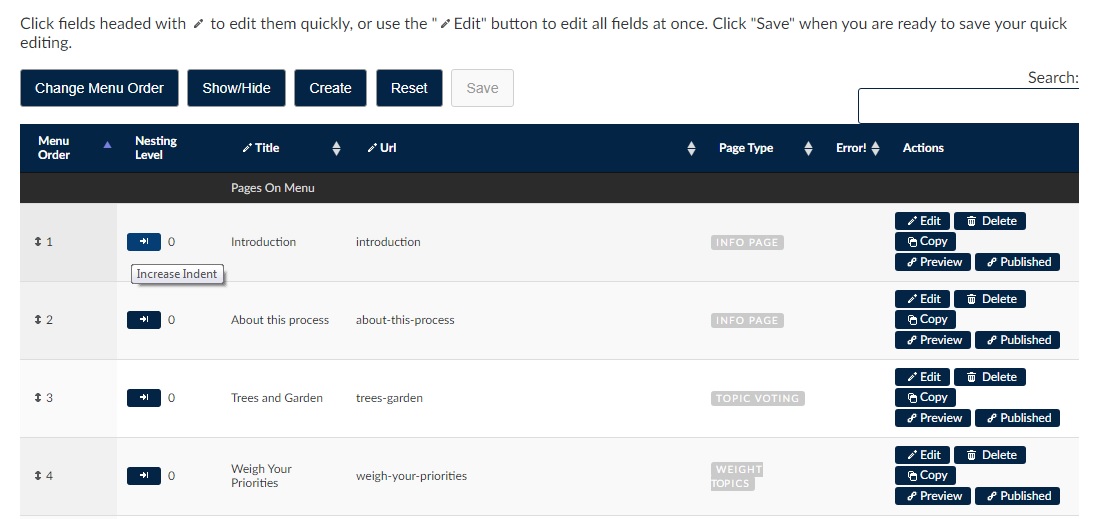
The order of pages appears on the menu located on the left-hand side of the web browser. To rearrange the indentation of page titles on this menu click first on the Pages tab in the admin panel, then click on the arrow under the column labelled Nesting Level to increase or decrease the indent of page title. By indenting the title of each page you will create a nesting format of pages organized in layers, where pages with a lower “nesting level” number are less indented than pages with a higher one.
To ensure functionality Ethelo automatically constrains the ability to indent title pages by determining whether a page can increase or decrease the indent.