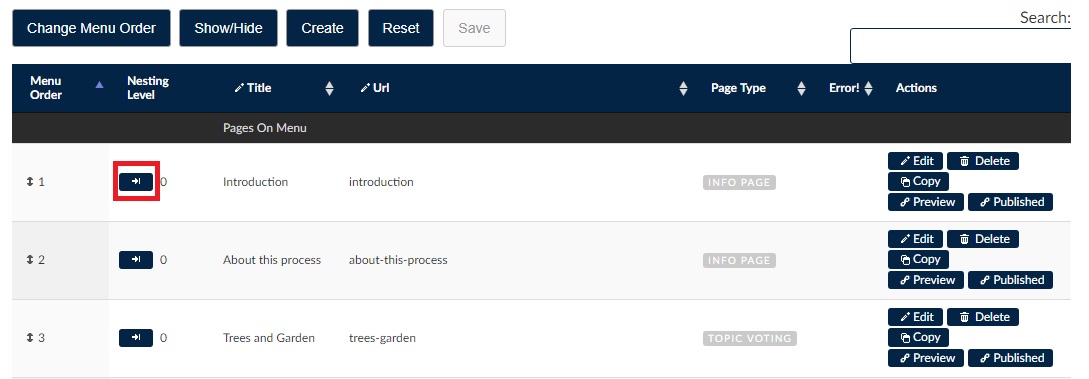
The order of pages appears on the menu located on the left-hand side of the web browser. To rearrange the indentation of page titles on this menu, click first on the Pages tab in the admin panel, then click on the arrow under the column labelled Nesting Level to increase or decrease the indent of page titles. To finalize your indenting edits click Save at the top of the page.
The degree to which page titles are indented in the menu of the web browser is represented in the admin panel in increasing numeric order and can be viewed under the column labelled Nesting Level. Ethelo will automatically order the levels of indentation by controlling whether you can increase or decrease any given page. This can be seen in the screenshot below: