
Configure Content Blocks
In this example of the Results Page the center of the page contains two content blocks with Automatic Content in the middle.
Automatic Content is usually based on the type of page you are creating. Content Blocks can contain your own content or HTML. You can also create a First Content Block and Second Content Block to surround the Automatic Content shown to your participants.
For example, the automatic content in the below screenshot is the results breakdown from the Results Page:
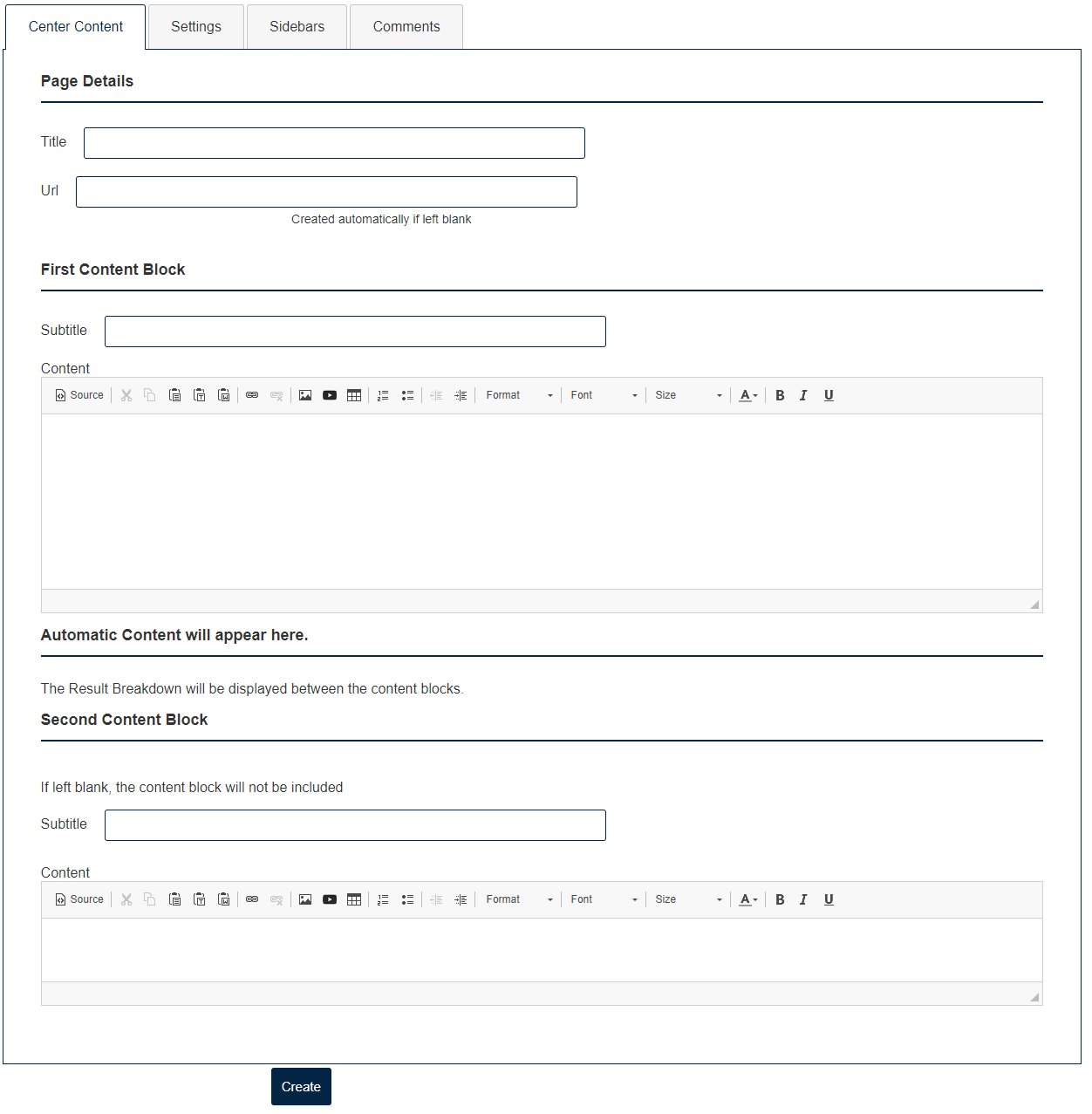
NOTE: to make sure you get the font expected when COPYING and PASTING text, click the "Source" icon and paste your text in the content block. Then click "Source" icon again.
Make sure to click Create or Update at the bottom of the page when you are done.